Items created via Creator Tools will display automatically in My Shop when selling.
Items for sale can be purchased at the AL-Tec Terminal in the shop.
Items can be displayed via “Mannequins” and “Hologram Stands.”
Mannequins
Products can be displayed via “Mannequins” and “Hologram Stands.”
Mannequins include three male/female variations: full-body, upper body, and trunk (lower body).
Settings for Mannequin Displays
By approaching a mannequin, the “Manage Products” option will appear, which you can enter by pressing F.
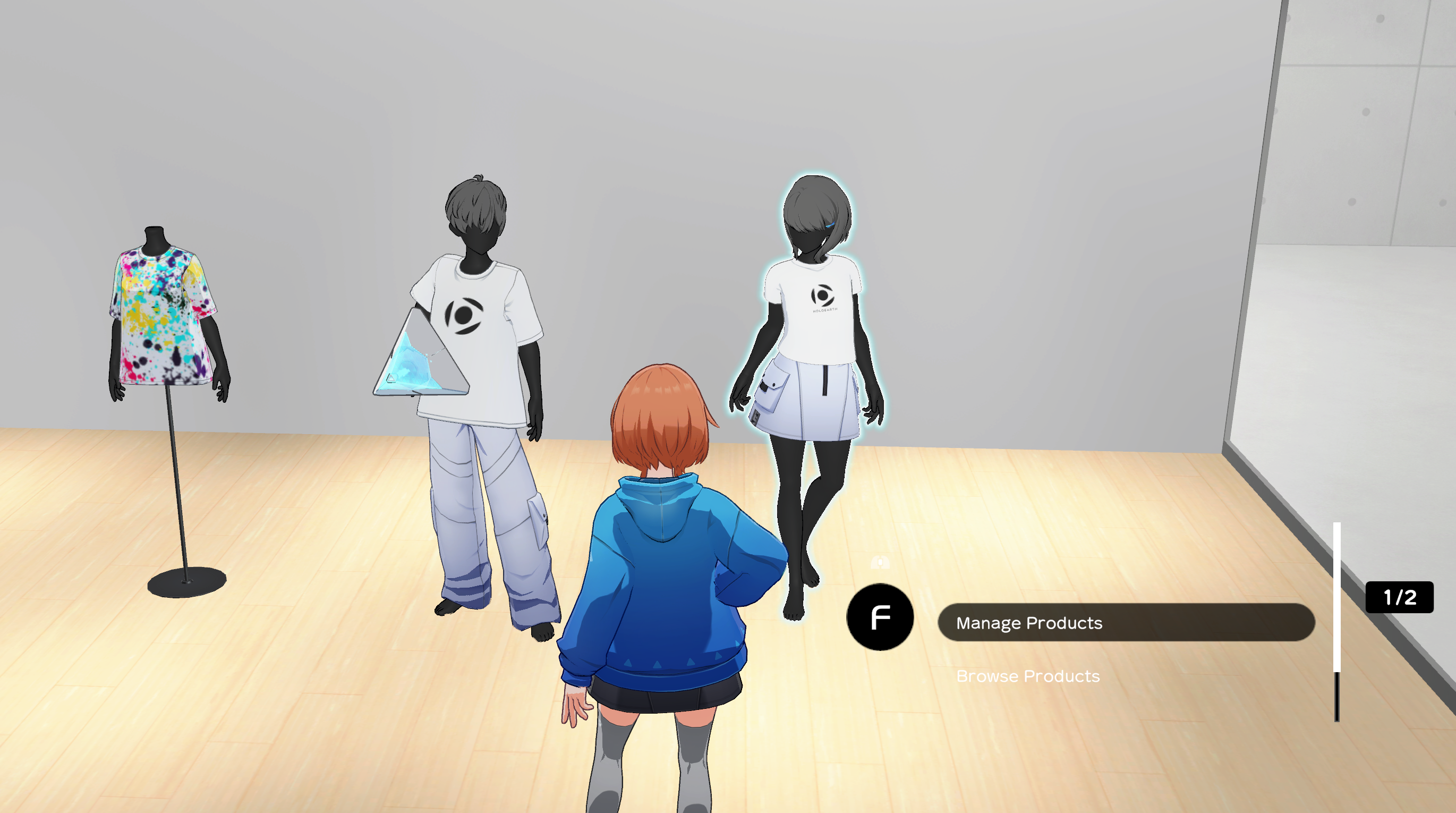
In the manage products screen, registered items created in Creator Tools will be listed.
Select the items you wish to display to equip them on the Mannequin.
By approaching the mannequin again and selecting “Browse Products,” you can view the items that were equipped on the Mannequin.
These items can be purchased here as well.
Hologram Stands
Items can also be displayed via Hologram Stand. The preview image chosen when registering an item will be displayed.
Displaying Products with Hologram Stands
The “Manage Products” option will appear when approaching a Hologram Stand, and you can enter the settings screen by pressing F.
Product Shelf
In the manage products screen, items registered in your shop will be listed. Select the items you wish to display to show set them in the hologram stand.
Viewing Products
By approaching the Hologram Stand again and selecting “Browse Products” with the F key you can view the items that were set in the stand.
These items can be purchased here as well.
Other Settings
Updating Mannequin and Hologram Stand Names
You can update the name of any Mannequins or Hologram Stands you have placed by clicking the pencil icon in the manage products screen.
[画像10]
My Shop Name & Description
You can change your shop name and description via the “Room Menu.”
The Room Menu can be brought up by pressing O.
By pressing the “Edit basic info” button, you will be taken to the “Edit Basic Info screen.” Here, you can update your room name and description.
・Room name: 32 characters max.
・Description: 140 characters max.
My Shop Access Settings
Access/Privacy settings can be managed via “Shop Settings” in the Room Console. By setting these to public, other users can enter your shop at any time.